In this article, I'm going to go through when to attach specific PDFs for specific situations: when, where and how to do this.
How to upload a file
In the edit quote page, scroll down until you find a section labelled Attachments.
This can be used to upload different files. For example, JPEGs or PNGs (images), or PDF documents.
Add as Signable doc = customer sign.
If you are uploading a PDF document that you want the customer to sign, you need to tick the button under "Add as signable doc". This can only be used for customer-facing documents to sign.
Load Lists & Delivery Notes.
If you need to upload a document that your staff will need to view on a Load List, tick the button under “Show on Load List.”
If you need to upload a document that staff need to view when delivering or collecting equipment with the customer, tick the button under “Show on delivery note.”
You can also use the same option for customer-facing documents that customers need to see for the event — for example, a heater setup guide.
Important: These documents are not editable or signable in any way. They’re simply PDFs you’ve created that you can attach to load lists, delivery notes, and quotes.
This setting just allows your customer or staff member to access and view the document digitally from the quote, delivery note, or load list.
The uploaded PDF will look like this on the quote, load list, or delivery note...
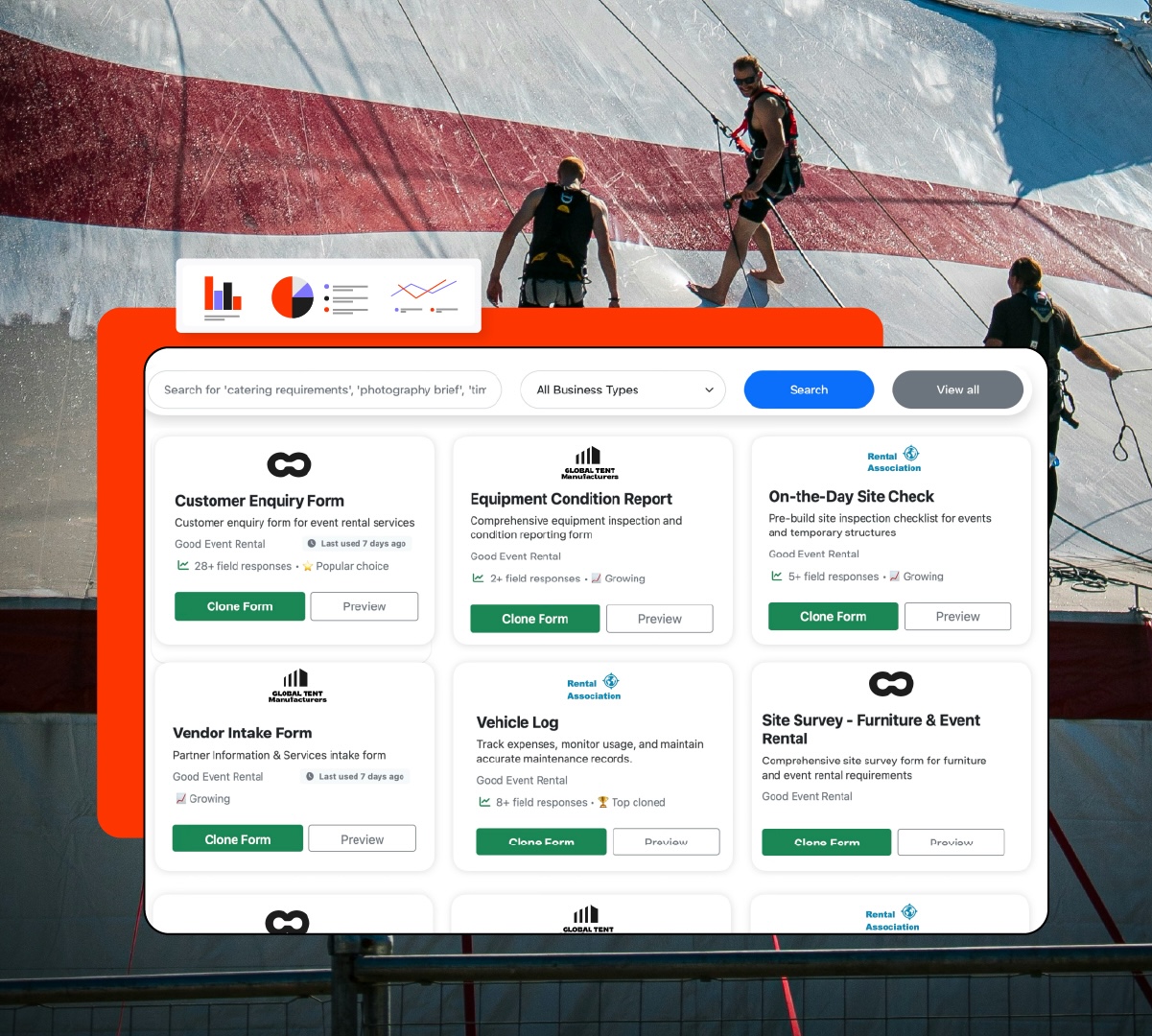
How to digitise all of your documents, whether it's staff, vendor, or customer-facing, and store all responses online.
Replace paper trails and spreadsheet chaos with simple online documents. GoodEvent Docs simplifies safety checks, crew checklists, vendor onboarding, and incident reporting.
Customise forms in seconds, collect signatures, sync data instantly—online and on site.
For our customers who use rental software, you can easily integrate both of these tools.
This is done in a similar way to the attachments. In the edit quote page, you can find a new section labelled 'documents'.
From here, you can add your docs to the quote, load list, and delivery note. Then your customers, staff, or vendors can access these docs digitally, complete them, and submit their responses
How to Create Your First Form Template in the Form Library
Comments
0 comments
Please sign in to leave a comment.